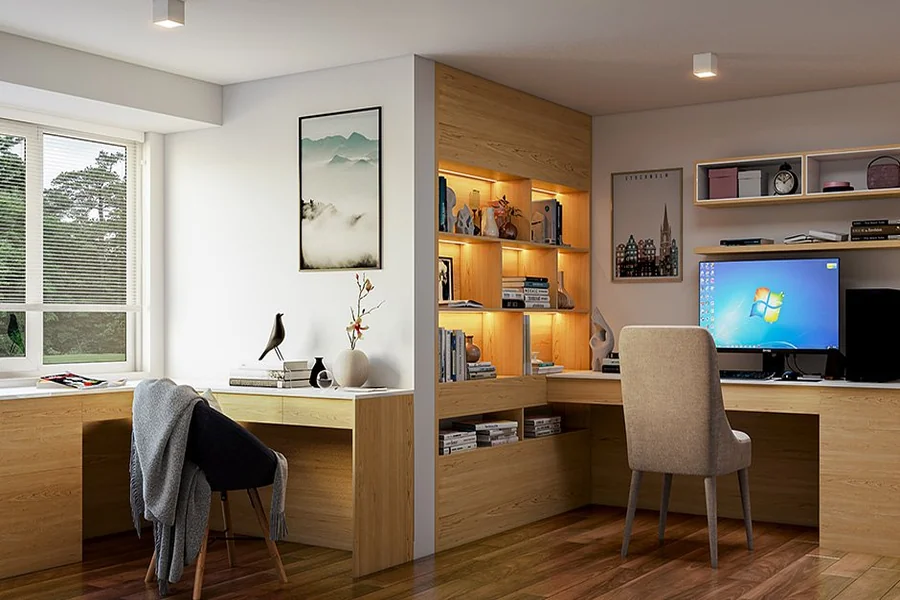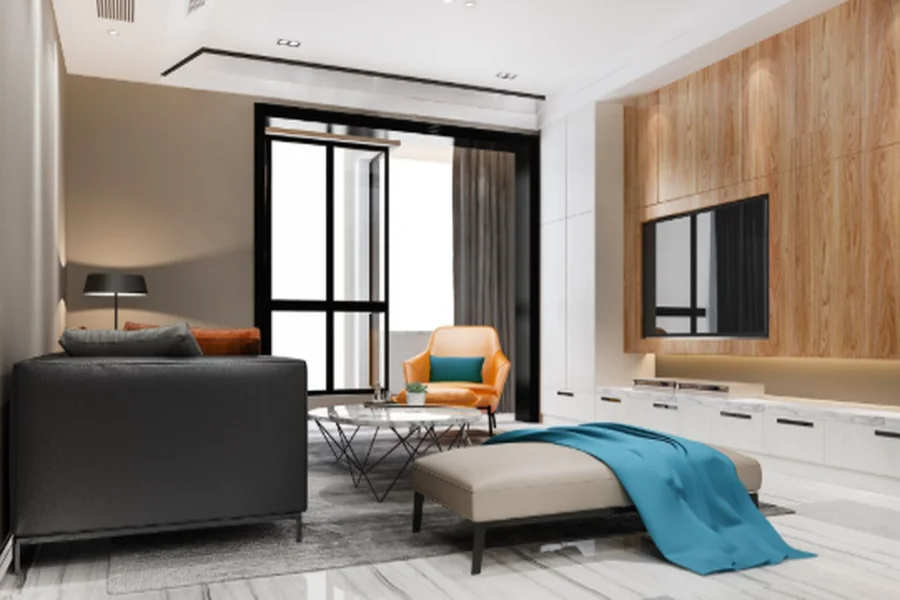
Interior design often starts with ideas that are difficult to picture from drawings alone. A floor plan might show dimensions and furniture placement, while material samples communicate colour and texture. Yet neither necessarily gives a client a clear sense of how the completed space will look and feel.
This is where 3D interior rendering becomes useful. By creating a visual representation of a proposed interior, designers can give clients a clearer view of the layout, finishes, furniture and overall appearance before construction begins.
What Is 3D Interior Rendering?
3D interior rendering is the process of producing a realistic or stylised digital image of a proposed interior space. The visual is created using a three-dimensional model containing elements such as walls, flooring, furniture, lighting, fixtures and decorative features.
The level of detail depends on the purpose of the rendering. An early concept image might focus on the overall layout and mood, while a more detailed visual might show specific furniture, materials, lighting and finishes.
Making Layouts Easier to Understand
One of the main benefits of 3D rendering is its ability to communicate spatial relationships. A floor plan might show where a sofa, dining table or kitchen island sits, but it does not always communicate how the arrangement will feel from eye level.
A 3D visual can show the relationship between furniture and surrounding walls, doors, windows and other fixtures. This makes it easier to spot potential concerns about circulation or visual balance.
For example, a proposed living room might look spacious on a floor plan because the furniture fits within the measured dimensions. Once viewed from a three-dimensional perspective, the same arrangement might appear more crowded than expected.
Identifying such concerns during design allows the team to reconsider the layout before construction or furniture installation.
Comparing Materials and Finishes
Choosing materials from individual samples can be difficult because people often view each item separately. A flooring sample, wall colour and cabinet finish might all look suitable on their own but create a different impression when combined.
A detailed rendering allows these elements to be viewed together. Designers can create different versions of the same room with changes to flooring, cabinetry, wall colours, upholstery or other finishes.
This makes comparisons easier because the overall design remains consistent while individual elements change.
Lighting also affects how materials appear. A surface that looks warm under one lighting arrangement might appear different under another. Renderings provide a useful way to explore these relationships before the physical installation takes place.
Improving Communication Between Clients and Designers
Designers often have to translate technical information into something clients can understand. Terms relating to layouts, finishes and spatial proportions might be familiar to professionals but less familiar to someone commissioning an interior project for the first time.
A 3D rendering provides a common visual reference. Instead of discussing whether a particular cabinet feels too dominant or whether a seating area looks crowded, the client and designer can refer to the same image.
This does not remove the need for discussion. A rendering is still a representation of a proposed design rather than the finished room. Yet it gives the conversation a more concrete starting point.
Clients can also communicate preferences more clearly when they see the proposed space. They might realise they prefer a different furniture arrangement or want more storage after viewing the design from several perspectives.
Reducing Changes During Construction
Changes become more complicated once construction has started. Moving a piece of furniture during the design stage is straightforward compared with changing built-in cabinetry, lighting positions or other completed work.
3D rendering allows clients to review important decisions before physical work begins. Questions about proportions, finishes and furniture placement can be discussed while changes are still relatively manageable.
Helping With Space Planning in Singapore Homes
Space is an important consideration in many Singapore interiors. Apartments and other residential properties often require several functions to work within a limited floor area.
A 3D visual can help show how different zones relate to each other. For example, a living area might need to accommodate seating, storage, entertainment equipment and a dining space without making circulation difficult.
The same applies to bedrooms, home offices and multifunctional rooms. Seeing the furniture at an approximate scale helps clients understand how much visual and physical space each element occupies.
This can lead to more informed conversations about storage, furniture size and the balance between open and occupied areas.
Visualising Lighting
Lighting is often difficult to communicate through a static floor plan. A 3D rendering provides a way to explore the intended effect of natural and artificial lighting within a room.
Designers can show the position of light sources and how illumination interacts with surfaces and furniture. Depending on the rendering process, different lighting conditions might also be visualised.
Helping Contractors Understand the Design Intent
Visualisation is also useful beyond the client-designer relationship. Contractors and other project participants need to understand what the design team intends to achieve.
A rendered image can provide an additional visual reference when discussing finishes, furniture arrangements and overall appearance. When combined with technical drawings and specifications, it helps different parties work from a shared understanding of the project.
The rendering should not replace technical documentation. Dimensions, construction details, electrical information and material specifications need to be communicated through the appropriate project documents.
Instead, the visual serves as another layer of communication.
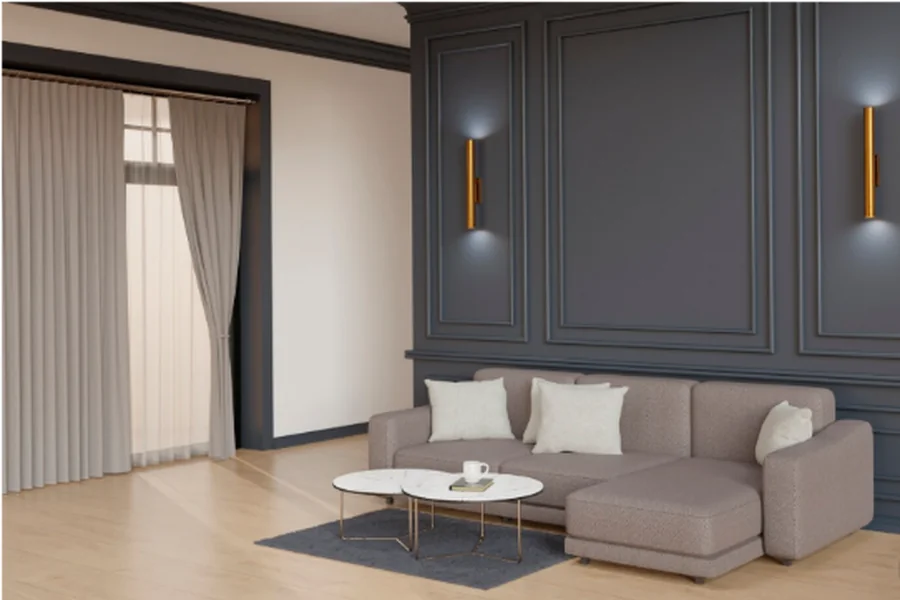
Reviewing Designs From Different Angles
A single image does not always show everything a client needs to understand. A room might look appropriate from one viewpoint but reveal a different issue from another.
Multiple rendered views allow the space to be examined from different positions. A designer might show the room from the entrance, seating area and opposite side of the space, depending on what needs to be communicated.
When Should Rendering Be Used?
The ideal point for creating a 3D rendering depends on the project. Early visuals can help communicate the overall concept, while more detailed renderings are useful once the layout, materials and furniture selections have been developed.
Producing detailed visuals too early might lead to unnecessary work if the fundamental layout changes later. On the other hand, waiting until every decision has been finalised removes some of the opportunity to use the rendering as a design tool.
A practical workflow often develops the visual progressively. The basic layout is established first, followed by materials, furniture, lighting and other details.
This allows the rendering to support decision-making rather than becoming purely a presentation image at the end of the process.
Final Thoughts
Interior design involves many decisions, and some are difficult to understand through plans or material samples alone. 3D rendering provides another way to communicate the proposed space by showing layouts, finishes, furniture and lighting within a shared visual setting.
The biggest advantage is often clearer communication. Clients can see how different elements relate to each other, designers can explain their ideas more effectively, and project teams have an additional reference when discussing the intended appearance.