
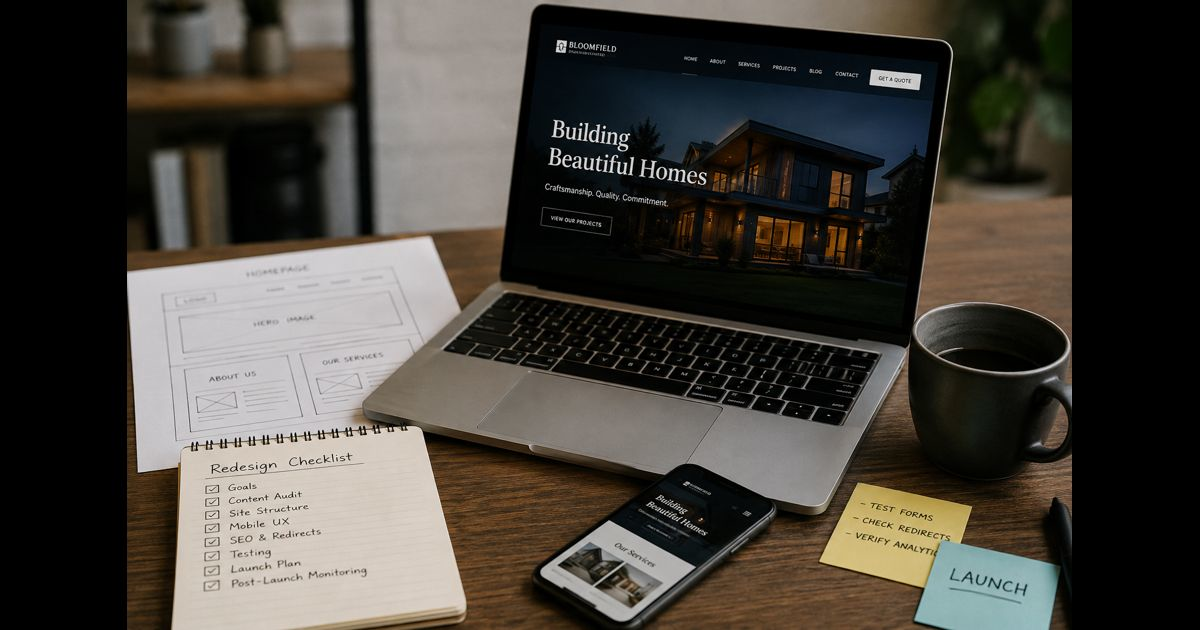
A website redesign checklist for small business should cover business goals, existing content, budget, page structure, mobile usability, accessibility, URL changes, essential integrations, launch testing, and post-launch monitoring. The project is ready to launch when customers can complete important tasks, valuable pages remain accessible, and the business can manage the finished website.
A better-looking homepage is only part of the work. A redesign must also preserve the pages that bring customers, deliver enquiries reliably, and avoid disrupting bookings, payments, or business email.
1. Decide Whether a Full Redesign Is Necessary
Identify the problem before choosing the solution.
| Current problem | Sensible starting point |
| Outdated photos, colors, or branding | Refresh the visual design |
| Visitors misunderstand one service | Improve that service page |
| Enquiries disappear after submission | Repair and test the form workflow |
| Navigation no longer matches the business | Review the page structure |
| The platform cannot support essential functions | Evaluate a rebuild or platform migration |
Several problems may justify a coordinated redesign. One broken form usually does not.
Write a short project brief explaining what is failing, who it affects, and what the new website must enable. “Customers should be able to request an estimate from a phone without calling the office” provides a clearer direction than “make the website modern.”
2. Record What Already Works
Before changing the site, save a baseline covering a representative business period. Include seasonal comparisons when relevant.
Record:
- Qualified enquiries, completed bookings, or orders.
- Important landing pages and their traffic sources.
- Mobile and desktop conversion performance.
- Frequently visited service and support pages.
- Current page addresses, titles, and descriptions.
- Known technical problems and customer complaints.
Check whether existing measurement is reliable. A button click is not necessarily a delivered enquiry, and a checkout visit is not a completed sale.
Also identify useful pages with modest traffic. A warranty explanation, delivery policy, or preparation guide may reduce support work even when it generates few visits.
Completion check: The team has a saved baseline and a list of pages or functions the redesign must preserve.
3. Agree on Scope, Ownership, and Costs
Document the deliverables before approving design work.
Specify the required pages, reusable layouts, copywriting, photography, integrations, content migration, testing, training, and post-launch support. Distinguish between work included in the quote and work charged separately.
Include recurring expenses such as hosting, premium extensions, booking software, maintenance, and licenses.
Assign one person to approve decisions. Other contributors can review content or functionality, but conflicting approval routes can stall the project.
The business should control its domain registration, hosting, website administration, analytics, and essential service accounts. Give suppliers appropriate access without making a contractor’s personal account the only route into the website.
Completion check: Every deliverable has an owner, an approval requirement, and an agreed cost or pricing basis.
4. Give Every Existing Page a Decision
Create a content inventory before deleting or moving pages.
| Decision | When it fits |
| Keep | The page remains accurate and useful |
| Improve | The purpose is valid, but information or presentation needs work |
| Merge | Several pages substantially overlap |
| Remove | The content is obsolete and has no continuing purpose |
For each page, record its current address, intended action, responsible person, and destination if the address changes.
Do not remove useful explanations merely to create a cleaner layout. Service scope, eligibility, delivery arrangements, pricing factors, and limitations may be essential to a customer’s decision.
Prepare the main copy before finalizing layouts. Otherwise, important information may be shortened to fit a design that was approved without it.
5. Build Navigation Around Customer Tasks
List what customers need to accomplish, then organize the website around those tasks.
A local service business might prioritize:
- Finding the right service.
- Checking the area covered.
- Understanding what happens during an appointment.
- Requesting an estimate.
- Contacting the business about an existing job.
An online store needs different paths, including product selection, delivery information, checkout, and returns.
Use navigation labels customers understand. Internal department names and clever wording can make straightforward information harder to locate.
Test the proposed structure with someone unfamiliar with the business. Ask them to find an answer or begin a booking without guidance. Their difficulties provide more useful feedback than whether they like the colors.
6. Approve the Mobile Experience and Accessibility
Review actual pages on a phone, not only resized desktop screenshots.
Check that menus open reliably, text remains readable, buttons are easy to select, and forms work with the on-screen keyboard. Floating banners or contact buttons should not hide important content.
Include basic accessibility checks:
- Navigate menus, forms, and dialogs using a keyboard.
- Confirm that keyboard focus is visible.
- Use descriptive labels for form fields.
- Explain errors in text rather than color alone.
- Check text contrast and readability when zoomed.
- Provide appropriate alternatives for meaningful images.
- Caption videos that communicate spoken information.
These checks can reveal barriers, but they do not establish complete accessibility conformance. W3C describes its introductory checks as a first review, not a comprehensive evaluation.
Completion check: A visitor can complete each priority task on mobile and with a keyboard without encountering a blocking issue.
7. Protect Existing URLs and Page Visibility
Keep established page addresses when they still make sense. A visual redesign does not require every URL to change.
Where an address must change, map the old page to the closest relevant replacement and implement a permanent server-side redirect. Avoid sending every removed page to the homepage.
Update internal links to their final destinations. Check that important pages load successfully, canonical references point to the intended live addresses, and the sitemap contains the correct URLs.
Before launch, remove development-only indexing restrictions from public pages that should appear in results. Keep private or unfinished material restricted.
Google recommends retaining migration redirects for at least a year, and longer where they remain useful.
Completion check: Important old addresses reach their intended destinations, and priority live pages have no accidental access or indexing blocks.
8. Test Performance on Representative Pages
Test the homepage, a typical service or product page, a content-heavy page, and the main conversion path.
Google’s current “good” Core Web Vitals thresholds are:
| Metric | What it measures | Good threshold |
| Largest Contentful Paint | Main content loading | 2.5 seconds or less |
| Interaction to Next Paint | Responsiveness to interaction | 200 milliseconds or less |
| Cumulative Layout Shift | Unexpected layout movement | 0.1 or less |
These thresholds are assessed at the 75th percentile of visits, with mobile and desktop considered separately.
Use pre-launch tests to identify heavy images, unnecessary scripts, and unstable layouts. They are diagnostic checks, not proof that every future visitor will have the same experience.
Test again after adding the real photography, analytics, consent tools, and third-party integrations. An empty template is not representative of the finished site.
9. Verify the Entire Enquiry, Booking, or Payment Workflow
A successful-looking screen does not prove that the business received the transaction.
For a contact form, submit a realistic test and confirm:
- Required fields and validation behave correctly.
- The visitor receives a clear confirmation.
- The message reaches the intended inbox or customer system.
- Staff can identify and respond to the enquiry.
- Tracking records the intended event without duplication.
For bookings, check availability, time zones, confirmation messages, and cancellation behavior.
For ecommerce, test payment success and failure, delivery options, order records, notifications, and refunds using the payment provider’s supported testing process.
Keep names, email addresses, and other personal information out of analytics event parameters.
Completion check: The customer and the business both receive the correct outcome—not just a confirmation animation.
10. Prepare a Recoverable Launch
Keep development work separate from the public website. Protect the staging environment with access controls and avoid using unnecessary real customer data.
Before switching over:
- Back up the current files, database, and relevant configuration.
- Confirm who can restore them.
- Record hosting and domain settings.
- Preserve email-related DNS records if hosting arrangements change.
- Schedule the release when responsible people can monitor it.
- Agree on which failures require an immediate rollback.
For a store or booking website, plan how to handle new transactions received during the transition. Restoring an older database can otherwise remove orders or appointments created after the backup.
Do not cancel the previous hosting immediately if it is still needed for recovery, redirects, or other services.
11. Use a Written Launch Approval Checklist
Approve the release against observable results.
| Area | Evidence required before launch |
| Content | Contact details, service information, and key policies are approved |
| Customer tasks | Enquiries, bookings, or purchases complete successfully |
| URL changes | Important old addresses reach relevant replacements |
| Public access | Intended pages open without staging credentials or accidental blocks |
| Measurement | Essential events appear correctly in testing |
| Recovery | Backup, recovery owner, and transaction-handling plan are confirmed |
| Administration | The business can access and update the website |
Delay launch for missing orders, undelivered enquiries, exposed private data, broken priority pages, or inaccessible essential controls.
Minor cosmetic issues can be assigned a correction date if they do not prevent customers from using the website.
12. Monitor the Website After Launch
Use this as a practical review schedule rather than a fixed rule for every business.
Launch day: Repeat critical tasks on the live site. Check important URLs, email delivery, payment or booking records, and measurement.
First week: Review errors, customer feedback, failed submissions, redirects, and important page availability.
Following weeks: Compare qualified enquiries, completed transactions, and priority-page performance with the saved baseline. Account for campaign changes, seasonality, and differences in traffic volume.
Investigate measurement problems before interpreting every reported decline as lost business. If orders remain stable but recorded purchases disappear, tracking may be broken.
Complete the handover with account access, renewal dates, backup instructions, editing guidance, and support responsibilities.
Frequently Asked Questions
How long does a small business website redesign take?
The schedule depends on content readiness, page count, integrations, approvals, and whether the platform or domain changes. Agree on milestones for content, design, development, testing, and launch instead of relying on a deadline that excludes review work.
How much should a small business budget for a redesign?
Request an itemized quote based on the actual scope. Compare content production, migration, integrations, accessibility testing, training, ongoing fees, and support—not only the initial design price.
Can a redesign reduce website traffic?
Yes. Removing useful pages, breaking existing addresses, or accidentally restricting public pages can cause problems. Preserving valuable content and testing the migration reduces avoidable risk, but unchanged traffic cannot be guaranteed.
Should a redesign include a new domain?
Only when there is a separate business reason, such as a necessary name change. Changing the domain adds another migration task and is not required to improve the website’s appearance or usability.
What is the most important final check?
Complete the website’s main customer task from beginning to end, then verify the result inside the business. A redesign is not ready if customers can submit an enquiry or payment but staff cannot reliably receive and act on it.


Pingback: Building a Memorable Brand for a Modern Lifestyle Business